> ## Documentation Index
> Fetch the complete documentation index at: https://docs.useangie.com/llms.txt
> Use this file to discover all available pages before exploring further.
# Events
> Create and manage events, from draft to published
Create events here — reunions, meetings, fundraisers — and control whether members can see and register for them.
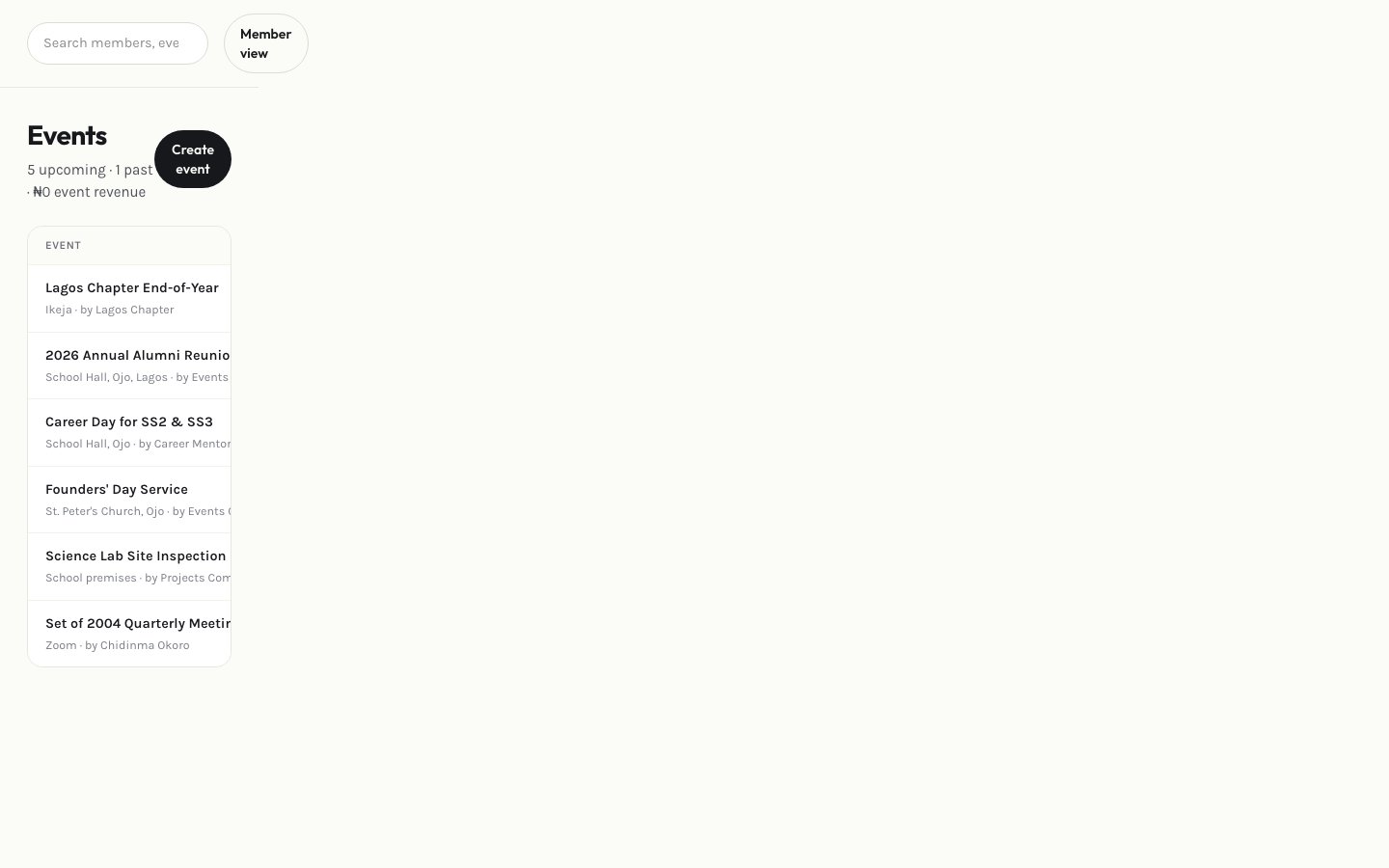 Select **Add event** and fill in the date, location, description, and any registration requirements or fees.
A new event starts as a draft, invisible to members. Select **Publish** when it's ready to go live.
Once published, see who's registered from the event's detail view, and use [Attendance](/admin-guide/attendance) to check people in on the day.
Cancelling an event keeps its record but notifies anyone already registered.
This documentation is built and hosted on [Mintlify](https://mintlify.com), a developer documentation platform.
Select **Add event** and fill in the date, location, description, and any registration requirements or fees.
A new event starts as a draft, invisible to members. Select **Publish** when it's ready to go live.
Once published, see who's registered from the event's detail view, and use [Attendance](/admin-guide/attendance) to check people in on the day.
Cancelling an event keeps its record but notifies anyone already registered.
This documentation is built and hosted on [Mintlify](https://mintlify.com), a developer documentation platform.