> ## Documentation Index
> Fetch the complete documentation index at: https://docs.useangie.com/llms.txt
> Use this file to discover all available pages before exploring further.
# Roles & permissions
> Define what each admin role is allowed to do
Roles control exactly what an admin user can see and do — not every admin needs full access.
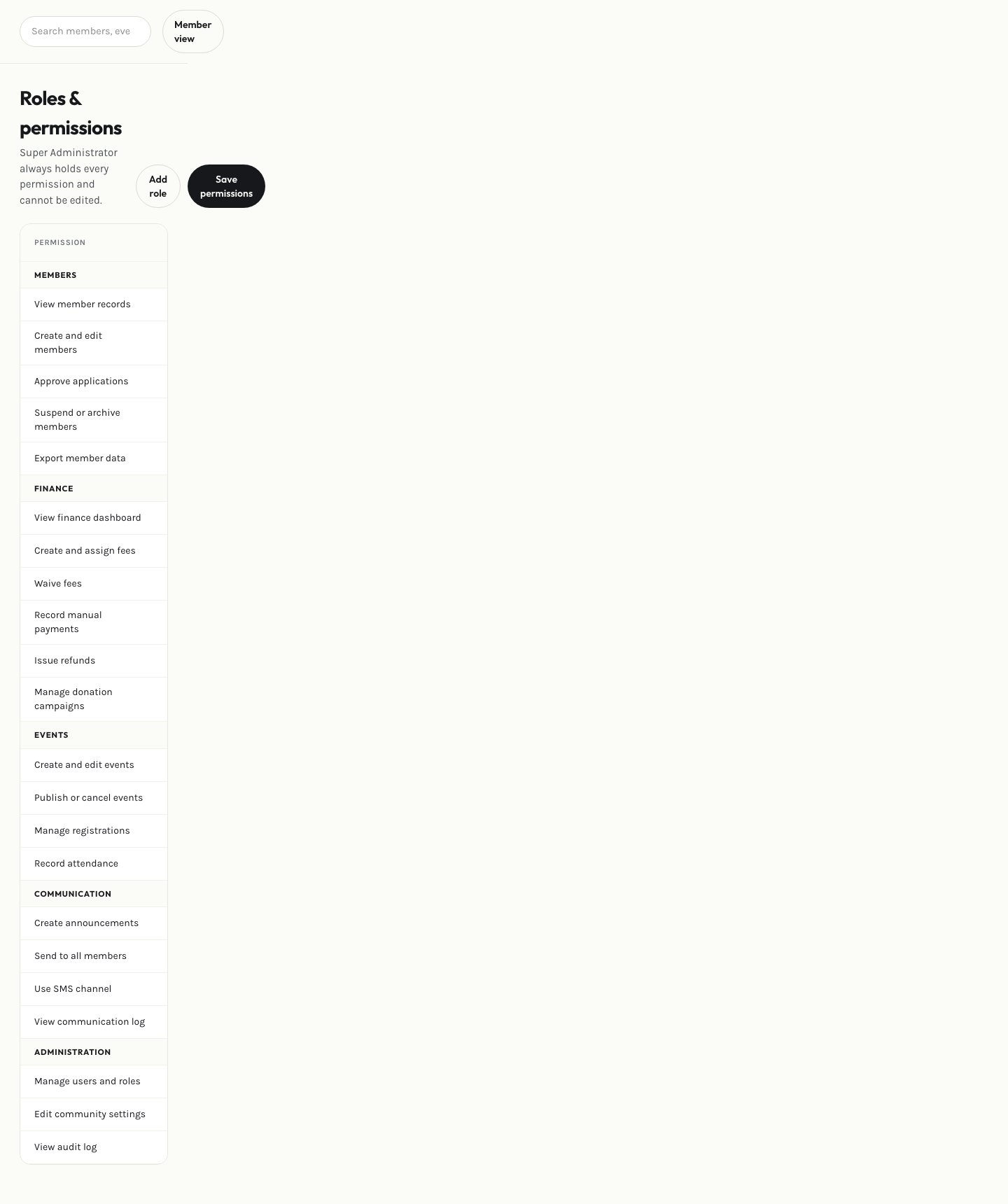 Create a role, then toggle permissions for each area of the admin console (members, finance, communication, settings, and so on). Assign the role to a [user](/admin-guide/users), and their access updates immediately.
Permissions are enforced on every request, not just hidden from the menu — a user without finance access can't reach finance pages even by typing the URL directly.
This documentation is built and hosted on [Mintlify](https://mintlify.com), a developer documentation platform.
Create a role, then toggle permissions for each area of the admin console (members, finance, communication, settings, and so on). Assign the role to a [user](/admin-guide/users), and their access updates immediately.
Permissions are enforced on every request, not just hidden from the menu — a user without finance access can't reach finance pages even by typing the URL directly.
This documentation is built and hosted on [Mintlify](https://mintlify.com), a developer documentation platform.