> ## Documentation Index
> Fetch the complete documentation index at: https://docs.useangie.com/llms.txt
> Use this file to discover all available pages before exploring further.
# Users
> Add the people who help run your association, and set what each one can do
Users here means your admin team — the people who log into the admin console, as opposed to ordinary members.
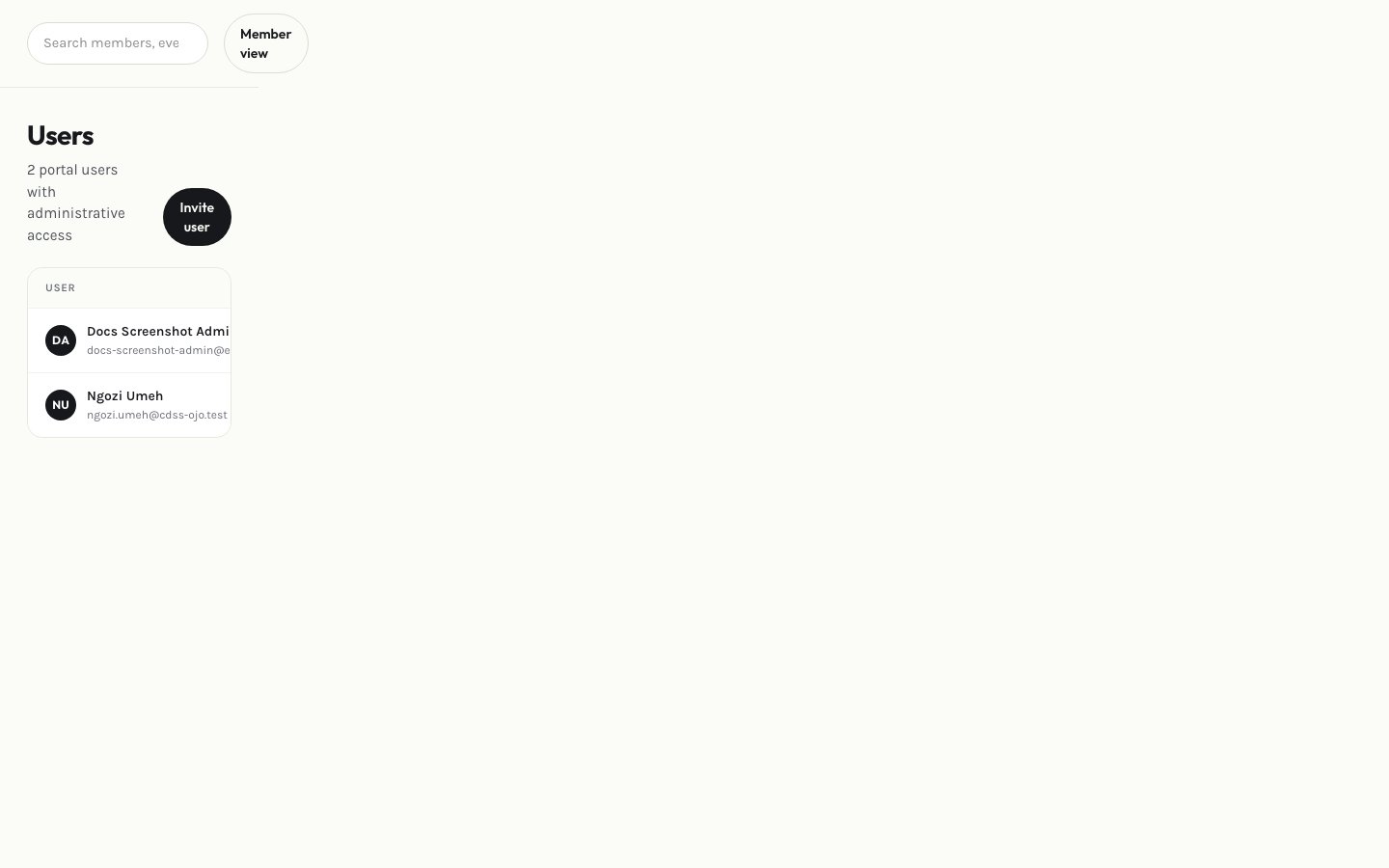 Select **Add user**, enter their details, and assign a role.
Update a user's role at any time from the list — see [Roles & permissions](/admin-guide/roles) for what each role can do.
Trigger a password reset for a user who's locked out, or disable their access entirely if they've left the team.
This documentation is built and hosted on [Mintlify](https://mintlify.com), a developer documentation platform.
Select **Add user**, enter their details, and assign a role.
Update a user's role at any time from the list — see [Roles & permissions](/admin-guide/roles) for what each role can do.
Trigger a password reset for a user who's locked out, or disable their access entirely if they've left the team.
This documentation is built and hosted on [Mintlify](https://mintlify.com), a developer documentation platform.