> ## Documentation Index
> Fetch the complete documentation index at: https://docs.useangie.com/llms.txt
> Use this file to discover all available pages before exploring further.
# Events
> Browse upcoming events, register, and get your ticket
Browse everything your association has scheduled, past and upcoming.
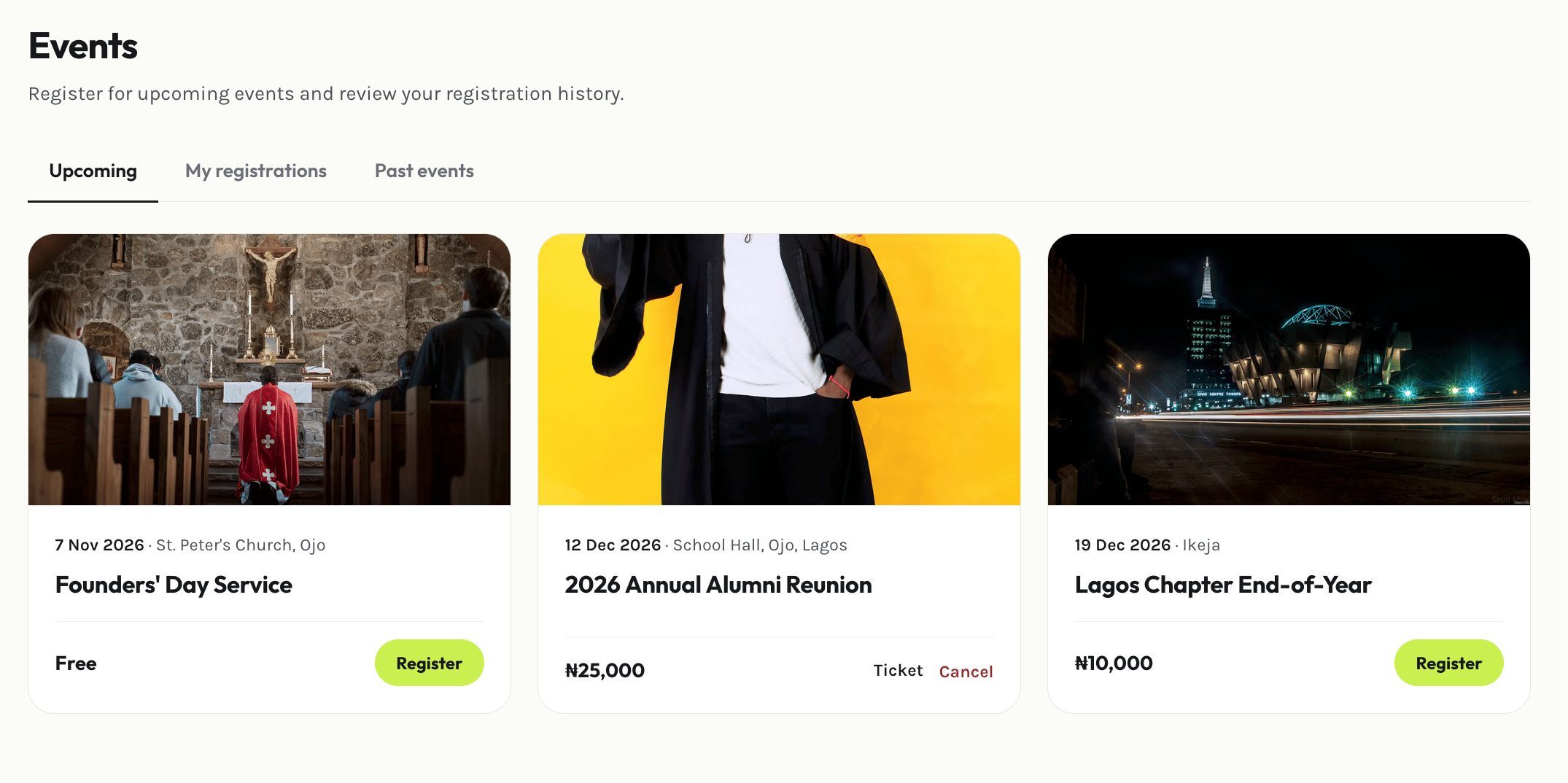 Open an event to see its details — date, location, and any registration requirements.
Select **Register**. If the event requires payment, you'll be taken through checkout first.
Once registered, open **My registrations** to view or download your ticket — it carries a QR code used for check-in at the event.
Need to cancel? Open your registration and select **Cancel** — subject to whatever cancellation policy your association has set for that event.
You can also add an event to your personal calendar using the `.ics` download on the event page.
This documentation is built and hosted on [Mintlify](https://mintlify.com), a developer documentation platform.
Open an event to see its details — date, location, and any registration requirements.
Select **Register**. If the event requires payment, you'll be taken through checkout first.
Once registered, open **My registrations** to view or download your ticket — it carries a QR code used for check-in at the event.
Need to cancel? Open your registration and select **Cancel** — subject to whatever cancellation policy your association has set for that event.
You can also add an event to your personal calendar using the `.ics` download on the event page.
This documentation is built and hosted on [Mintlify](https://mintlify.com), a developer documentation platform.