> ## Documentation Index
> Fetch the complete documentation index at: https://docs.useangie.com/llms.txt
> Use this file to discover all available pages before exploring further.
# Notifications
> Your in-portal notification inbox
Notifications tell you about things that need your attention — a dues reminder, an event registration confirmation, a response to a group request — separate from email or SMS.
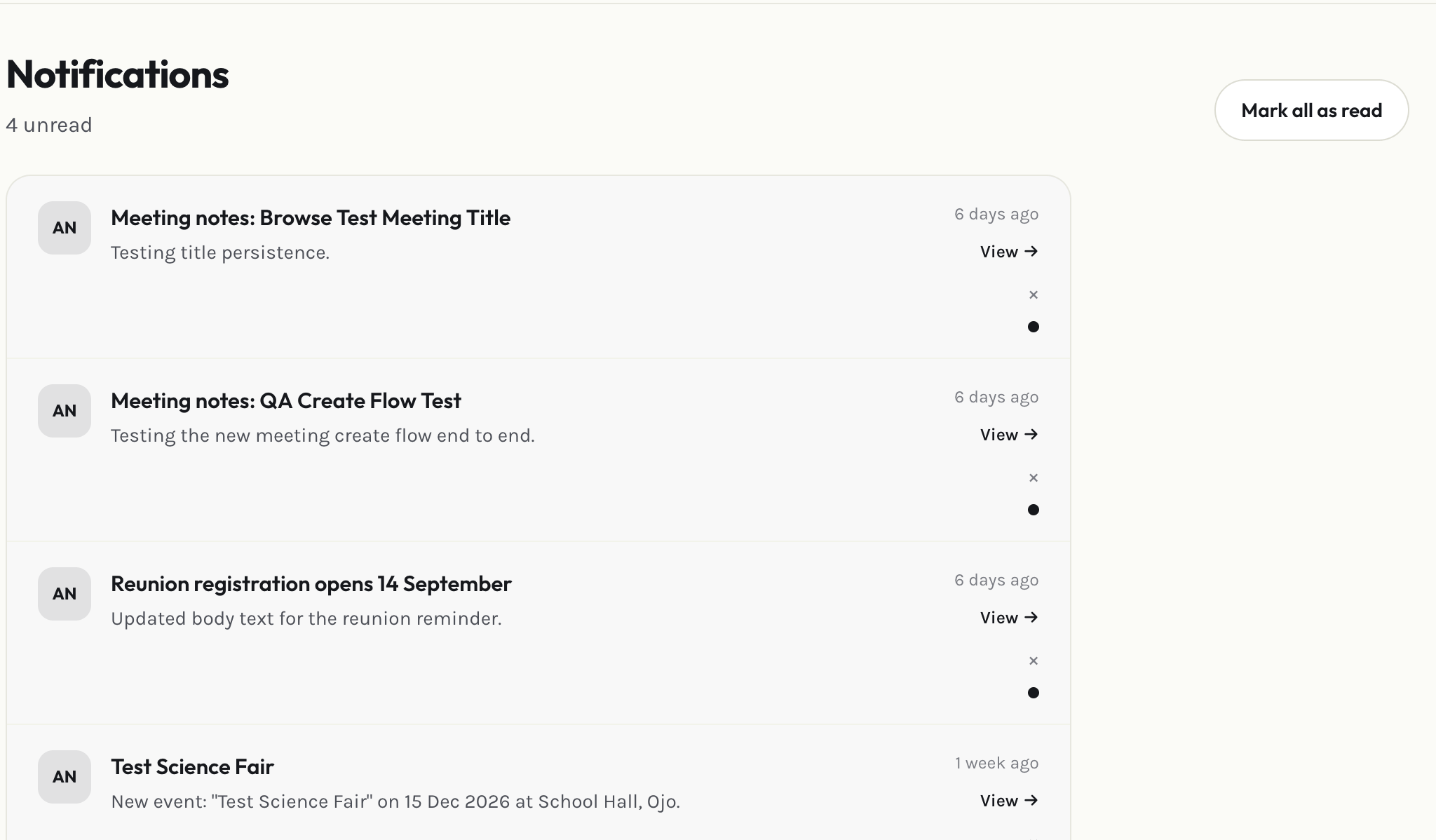 * Select a notification to open whatever it's about.
* Mark one notification, or all of them, as read.
* Delete any notification you don't need to keep.
Which categories of notification you also get by email, SMS, or WhatsApp is controlled from [Settings](/member-guide/settings), not here.
This documentation is built and hosted on [Mintlify](https://mintlify.com), a developer documentation platform.
* Select a notification to open whatever it's about.
* Mark one notification, or all of them, as read.
* Delete any notification you don't need to keep.
Which categories of notification you also get by email, SMS, or WhatsApp is controlled from [Settings](/member-guide/settings), not here.
This documentation is built and hosted on [Mintlify](https://mintlify.com), a developer documentation platform.