> ## Documentation Index
> Fetch the complete documentation index at: https://docs.useangie.com/llms.txt
> Use this file to discover all available pages before exploring further.
# Wallet
> Deposit, withdraw, and send money to other members
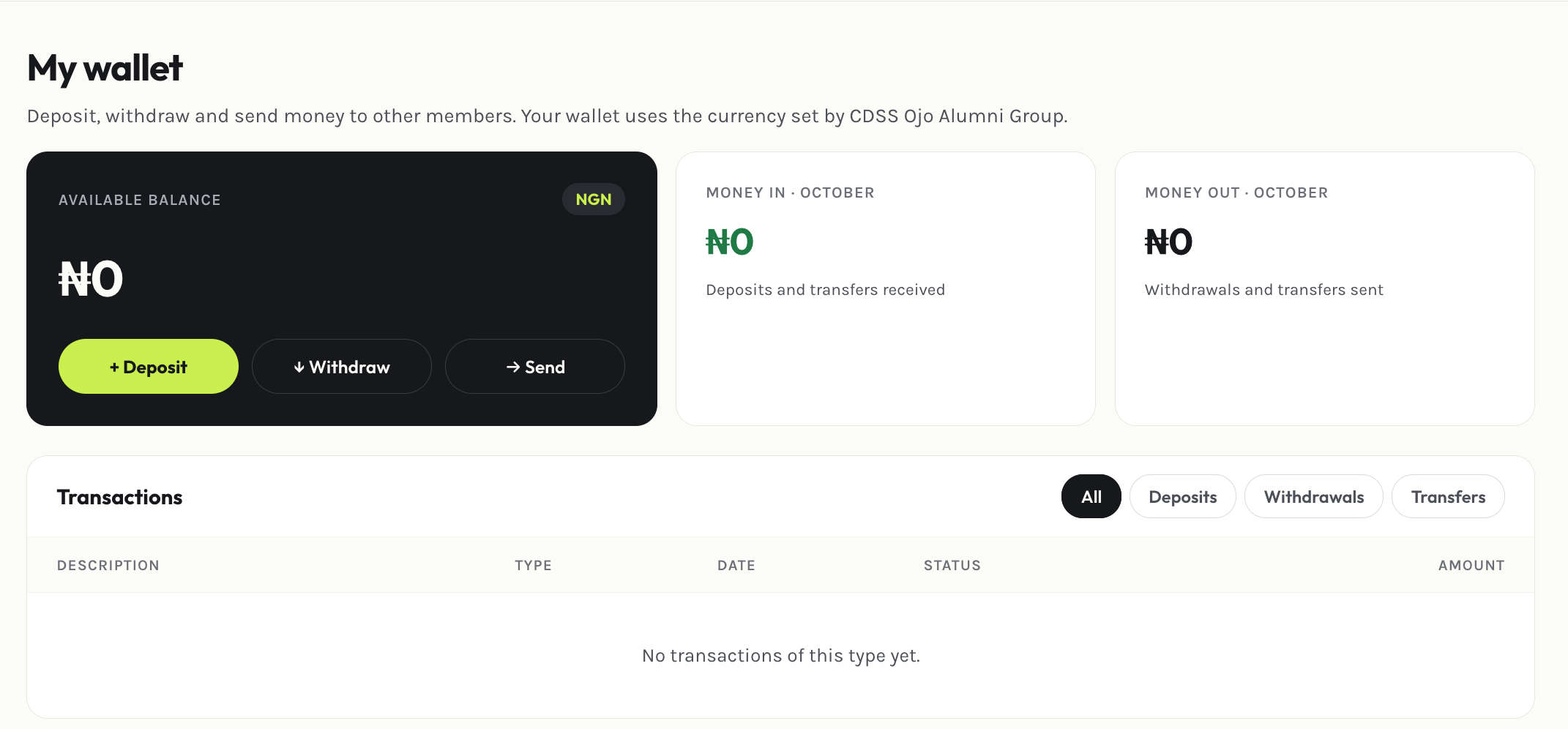
Your wallet is a balance you hold within the association — useful for paying dues without a card on hand, or for sending money directly to another member.
 ## Depositing
Select **Deposit**, enter an amount, and complete payment. Your wallet balance updates once payment clears, and you'll get an email receipt.
## Withdrawing
Select **Withdraw** and choose which [saved bank account](/member-guide/bank-accounts) to send it to. A withdrawal request needs at least one bank account on file, and you'll get an email confirming the request was made.
## Sending to another member
Select **Send**, pick the member, and enter an amount. Both you and the recipient get an email confirming the transfer — you as the sender, them as the receiver.
A wallet-to-wallet transfer can't be reversed from the member portal. Double-check the recipient before sending.
This documentation is built and hosted on [Mintlify](https://mintlify.com), a developer documentation platform.
## Depositing
Select **Deposit**, enter an amount, and complete payment. Your wallet balance updates once payment clears, and you'll get an email receipt.
## Withdrawing
Select **Withdraw** and choose which [saved bank account](/member-guide/bank-accounts) to send it to. A withdrawal request needs at least one bank account on file, and you'll get an email confirming the request was made.
## Sending to another member
Select **Send**, pick the member, and enter an amount. Both you and the recipient get an email confirming the transfer — you as the sender, them as the receiver.
A wallet-to-wallet transfer can't be reversed from the member portal. Double-check the recipient before sending.
This documentation is built and hosted on [Mintlify](https://mintlify.com), a developer documentation platform.