

1
Compose
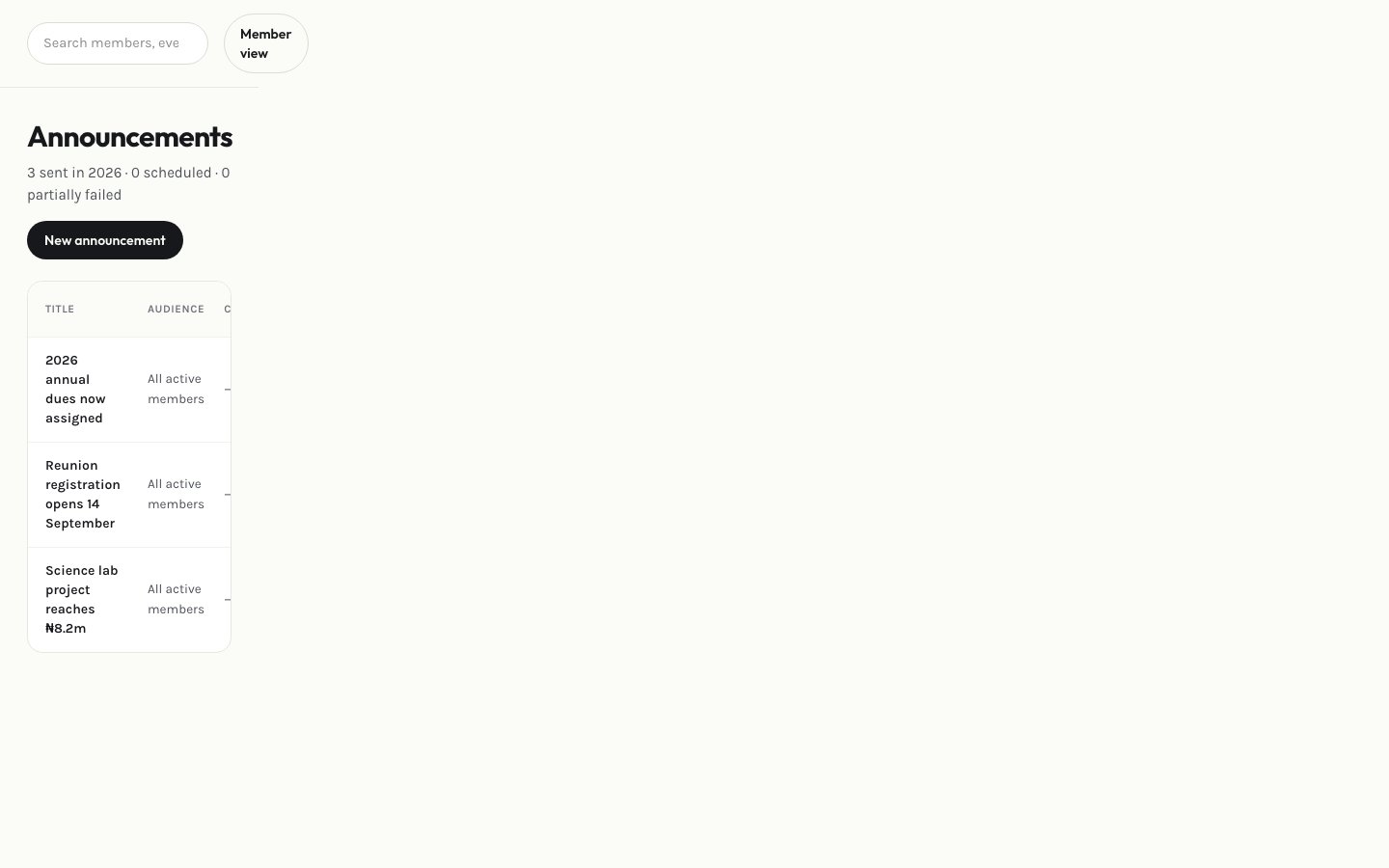
Select New announcement and write it using the rich-text editor.
2
Preview your audience
Before publishing, preview exactly who will receive it — all members, a specific group, or a membership type.
3
Set an expiry (optional)
Give it an expiry date if it should stop showing to members after a certain point.
4
Publish
Save and publish. You can edit or delete it later from the list.