

Settings
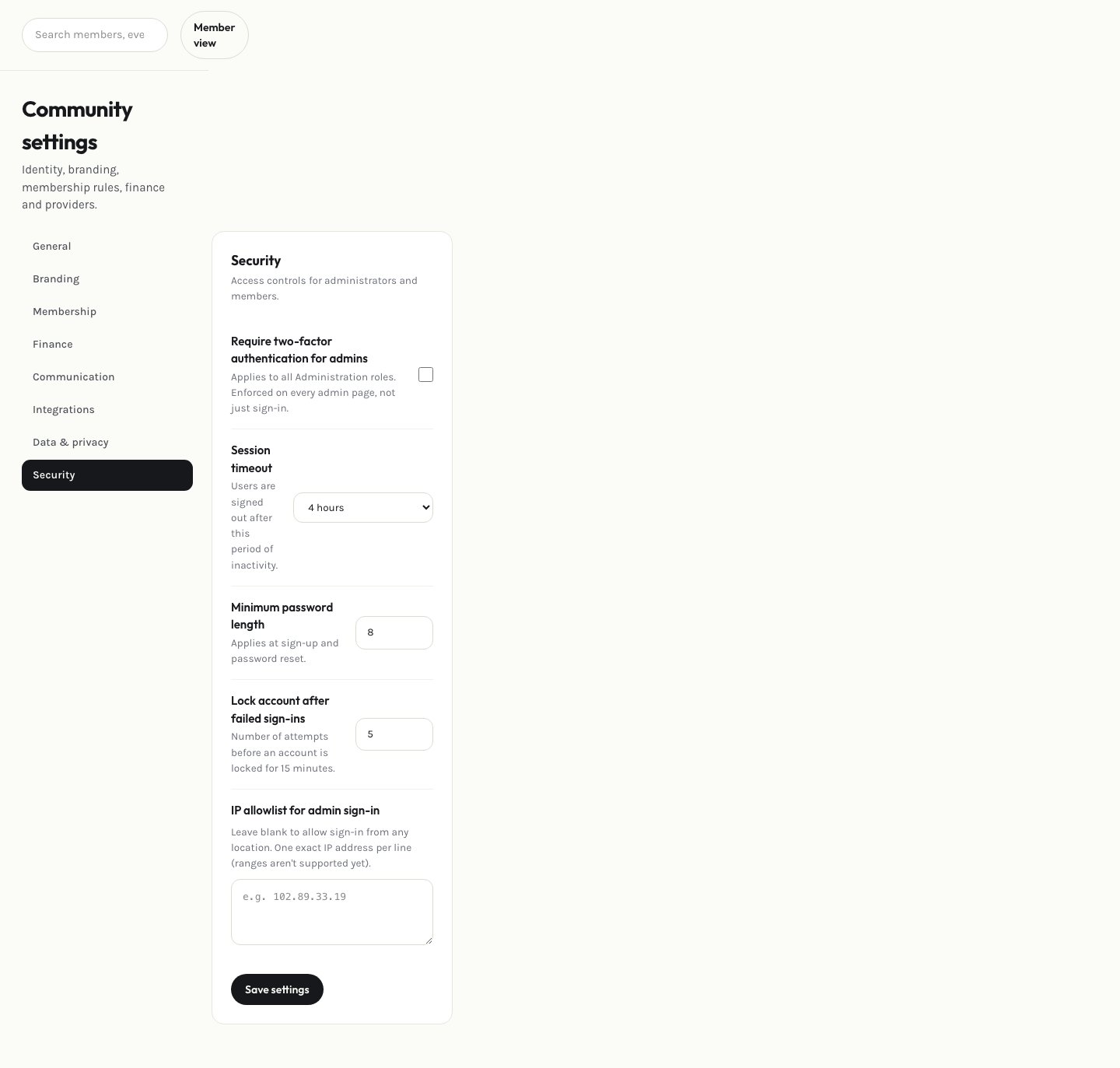
Security settings
Session timeout, minimum password length, and your own account security
Set association-wide security rules: how long an inactive admin session stays logged in, and the minimum password length required for members.
Session timeout, minimum password length, and your own account security